Help us support you when seconds count!
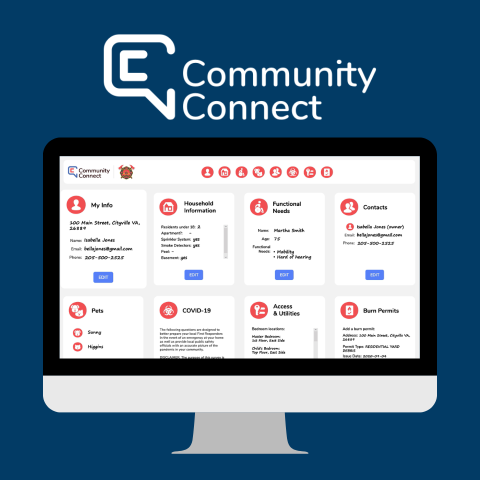
You can now share information with the Fire Department about your people, animals, property and support needs before an emergency occurs.
Create a free, secure safety profile on Community Connect for your home or business. Firefighters will be able to access your information if they respond to a call at your address.
Create your safety profile
How it works
- Create a profile for your home or business. Sign in for free with your email, phone number and address.
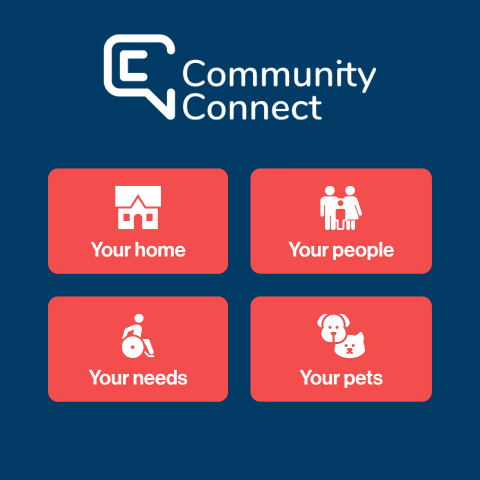
- Share the information that matters most. Help us support you more effectively in an emergency by adding who lives or works with you, any functional needs and information about access.
- Keep your profile current. Save your password somewhere safe and update your profile as things change over time.
Image
Information security
Any information you add to Community Connect is completely voluntary and based on what you are comfortable sharing with firefighters during an emergency.
- Your information is encrypted and protected with banking-level security.
- You can update or delete your safety profile at any time.
- Firefighters only have access to your information when they are responding to a call at your address.
- Make sure to save your password somewhere safe—the Fire Department does not have access to passwords.
Image